
Sync, and only you can read it
Keep Whole the same on all your devices. Your data is encrypted before it leaves your phone, so not even I can read it.
Sync has been on my list for a long time, and I’m happy to say it’s finally here. Add a record on your phone, see it on your tablet. And don’t worry: your finances stay private.
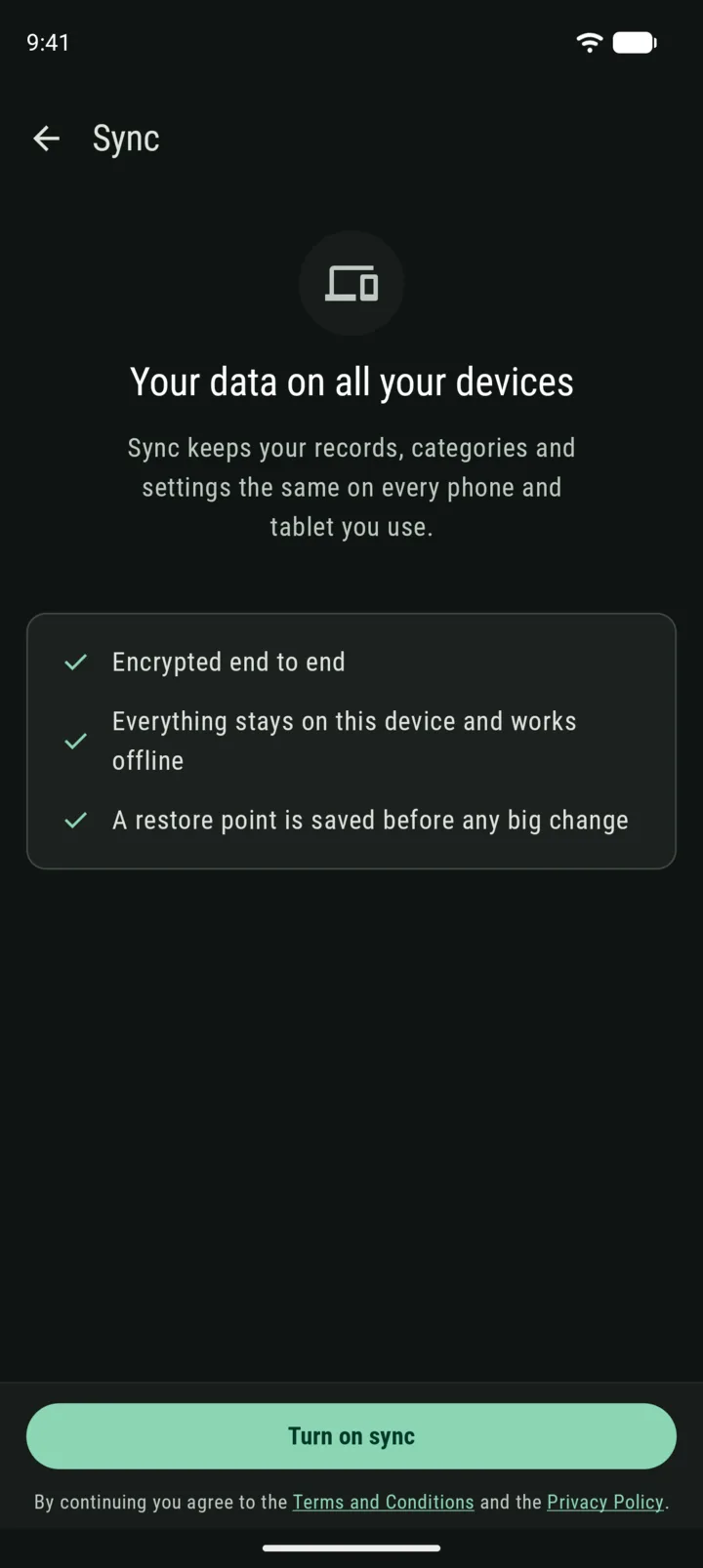
Encrypted on your device
Sync is end-to-end encrypted. Whole locks your data on your device before sending it, and only your devices hold the key. The server stores something it can’t read: nobody can read your amounts, category names, or notes.
If you want to know more you can read how sync keeps your data private.
Your recovery code
When you turn sync on, Whole shows you a recovery code: 12 ordinary words. This is your key. Keep them somewhere safe (like a password manager)! You’ll need them to add a new device. Remember, nobody, not even me, can read your synced data without this key.
Works offline, and plays it safe
Every device keeps a full copy of your data and works without a connection. When it’s back online, changes catch up.
Before any big change from sync, Whole saves a restore point, plus one a day. If something looks off to you, you can go back.
Turning it on
Open More > Sync, tap Turn on sync, and sign in with Google.
Sync comes with Premium, and Premium applies to all devices on which you use the same sync account.
— Gianmarco